The Future of AI Designer Freelancing: How to Build a Six-Figure Creative Business in 2026
2026-09-01
What Is an AI Designer, Exactly?
An AI designer is a creative professional who uses generative AI tools — image generation, image editing, and AI video generation — as their primary craft. Instead of (or in addition to) traditional Photoshop skills, your "pen" is a prompt and your "canvas" is a model like GPT-image-2, nanobanana, or Seedance 2.5.
You are not replacing designers. You are becoming the bridge between a client's fuzzy idea and a finished, commercial-ready asset — faster and cheaper than a traditional studio can.
The role has already split into clear niches:
| Niche | What You Do | Typical Clients |
|---|---|---|
| AI Image Generator | Product shots, social media visuals, ad creatives | DTC brands, agencies, influencers |
| AI Video Editor | Short-form clips, motion graphics, AI-to-video pipelines | TikTok/Meta creators, marketers |
| Brand & Visual Strategist | Full visual systems using AI tools | Startups, small businesses |
| Prompt & Model Engineer | Custom workflows, fine-tuning prompts for clients | Agencies, enterprises |
---
Why 2026 Is the Sweet Spot for AI Design Freelancers
Three forces are converging right now:
- Clients are past the "wow" phase. Brands spent 2024–2025 experimenting with AI. In 2026 they want *results* — consistent, on-brand, production-ready assets. That's the gap AI designers fill.
- The tools got dramatically better. Models like GPT-image-2 and Seedance 2.5 produce photorealistic, text-aware, and video-coherent output that would have cost a small studio a fortune a year ago.
- Supply of senior AI designers is still thin. Yes, everyone can type a prompt. Very few can reliably ship commercial-grade work with a tight workflow. That scarcity is where the money is.
The market hasn't saturated — it's polarized. Beginners who treat AI as a magic button are struggling. Professionals who treat it as a precision instrument are commanding premium rates.
---
What Can You Actually Charge For?
Here's what's in demand, and rough pricing for the US/UK market:
| Service | Example Deliverable | Typical Rate (USD) |
|---|---|---|
| Social media ad creative | 10–20 platform-specific Meta/ TikTok images | $50–$150 per set |
| Product photography (AI-rendered) | Clean, studio-quality product shots | $100–$500 per image |
| Brand mood boards & concepts | 5–10 AI-generated direction images | $300–$1,500 per project |
| Short-form AI video | 5–15s clip with motion + audio | $100–$400 per clip |
| Full visual identity (AI-assisted) | Logo concept, palette, mockups, brand kit | $1,000–$5,000+ |
| Subscription / retainer | Monthly design-as-a-service for a brand | $1,000–$5,000 / month |
Realistic income targets for 2026:
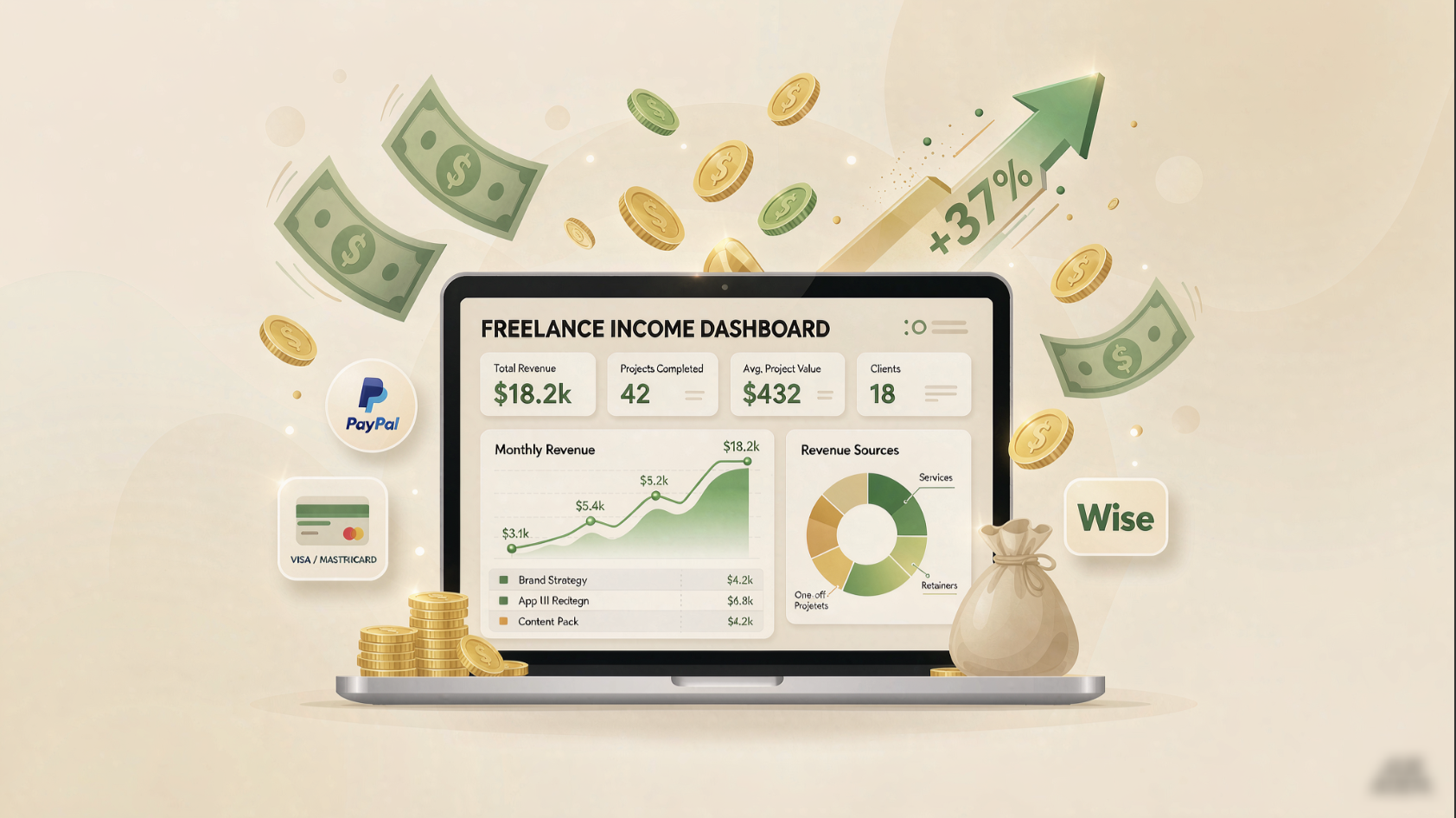
- Side hustle: $500–$2,000 / month (10–20 hours)
- Serious freelancer: $5,000–$15,000 / month (30–40 hours)
- Agency owner: $20,000+ / month with a small team
The key isn't working more hours — it's choosing a narrow niche and becoming the go-to person for it.
---
The 5 Tools Changing the Game
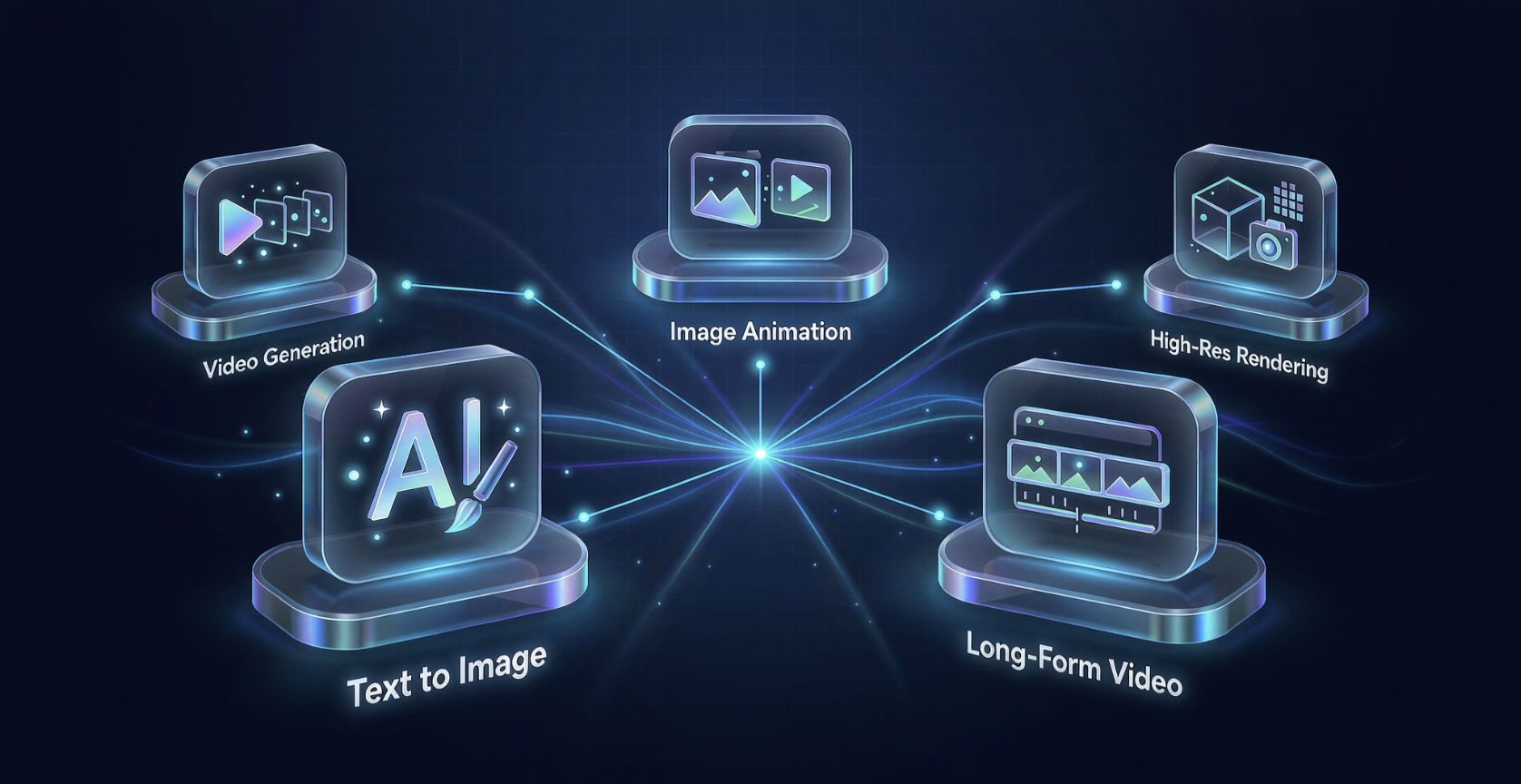
These are the models you'll actually reach for in 2026. Each has a specific superpower.
GPT-image-2
OpenAI's flagship image model. If you need text that looks perfect inside an image — logos, packaging, posters with real words — this is the best-in-class tool right now.
- Best for: Advertising creative with legible text, brand concepts, "image with words on it" jobs
- Why clients love it: Output is clean, diverse, and photorealistic with surprisingly accurate typography
- Watch out for: It's behind ChatGPT's interface — you'll want a streamlined prompt workflow to stay fast
nanobanana
The "banana" image model (a fast, playful alias for Google's Gemini image generation) is known for rapid iteration and 4K-quality stills. Designers use it for quick A/B testing of visual concepts — generate 20 variations in minutes, pick the winner.
- Best for: High-volume concept testing, A/B visual experiments, fast-turnaround social assets
- Why clients love it: Speed. You can flood a brief with options and the client feels heard and in control
- Watch out for: Text rendering is weaker than GPT-image-2 — keep typography jobs there
Grok
xAI's multimodal model. Its standout feature for designers is turning a still image directly into motion — upload a design, get an animated version. It also handles multiple reference images well and exports at solid resolution.
- Best for: Animating design stills, multi-reference composition, AI-to-video experiments
- Why clients love it: One tool does "image → motion," collapsing a whole pipeline step
- Watch out for: Video coherence is improving fast but still trails dedicated video models for long-form work
MiniMax Hailuo 3 (H3)
A powerhouse for native video generation with synchronized audio. H3 can generate a 2K, several-second clip with matching sound — ideal for short brand films, character animations, and "explainer" style content.
- Best for: AI-generated video with dialogue/audio, character-driven short clips, creative storytelling
- Why clients love it: The audio-sync feature is rare and genuinely useful for creators who don't have voice talent
- Watch out for: Longer videos still need careful scene planning; prompt precision matters more here
Seedance 2.5
ByteDance's next-gen video model. Seedance 2.5 extends clips to 30 seconds, adds much more precise frame-level editing, and supports multi-modal reference images — making it one of the most "film-grade" options for short-form video.
- Best for: 30s+ short videos, cinematic motion, precise video editing with reference frames
- Why clients love it: You can control exactly what happens in each frame — close-ups, pans, transitions — which feels far more like traditional video editing
- Watch out for: It's a video-first tool; don't use it for static image work
Quick Comparison
| Tool | Primary Superpower | Best For | Weak Spot |
|---|---|---|---|
| GPT-image-2 | Perfect in-image text | Ads with words, branding | Slow interface for bulk output |
| nanobanana | Speed + 4K stills | Concept testing, social assets | Text quality below GPT-image-2 |
| Grok | Image → motion in one step | Animating designs, multi-ref comp | Long-form video coherence |
| MiniMax H3 | Native video + synced audio | Character clips, storytelling | Needs scene planning for length |
| Seedance 2.5 | 30s clips + frame control | Cinematic short-form video | Not for static images |
---
Where to Find Paid Work: The Real Freelance Platforms
This is the part most "how to become an AI designer" articles skip. Here are the actual platforms where English-speaking clients hire creative freelancers — and where AI designers are quietly winning.
🇺🇸 1. Fiverr — Start Here (Best for beginners)
The easiest on-ramp. Create a gig like *"AI-Generated Ad Creatives"* or *"AI Product Mockups in Minutes.""
- Why it works for AI designers: Low barrier to entry, buyers are already expecting AI output, and you can batch similar jobs
- Tip: Name gigs with your tool in the title (*"GPT-image-2 Social Media Ads"*) — it signals specialization and ranks for those search terms
- Realistic start: $5–$20 per gig; scale to $50–$150 as reviews build
🇬🇧 2. Upwork — The Big Pool (Best for serious builders)
Upwork is where higher-budget clients live. Bid on *"Need AI images for a Facebook ad campaign"* or *"Looking for someone to generate video creatives."*
- Why it works: Clients post detailed briefs with budgets; you can filter for ad/creative work specifically
- Tip: Build a profile that proves *quality*, not just availability. A reel of before/after work beats a wall of thumbnails
- Pro move: Offer a "rapid concept pack" — 5 variations in 24 hours — as your unique selling point
3. Twitter / X — The Hidden Goldmine (Best for portfolio-driven work)
This is where most high-end AI design clients actually hang out. Search #AIDesign, #Midjourney, #StableDiffusion, and related tags. Follow top designers, retweet their work, and start posting your own.
- Why it works: Clients scout talent here first. A viral AI image can land you a $2,000+ project overnight
- Tip: Post your *process* too — "Here's how I made this ad creative with GPT-image-2 in 3 prompts" — people share that
4. Reddit — Niche Communities (Best for targeting specific industries)
Subreddits like r/forhire, r/freelance, r/DesignerMarketplace, and industry-specific threads (r/ecommerce, r/socialmedia, r/marketing) are full of clients posting *"need help with X."*
- Why it works: Real people, real budgets, less competition than Fiverr/Upwork
- Caution: Read each sub's rules first. Many ban job posts — comment, don't advertise
5. Direct Outreach — The 7-Figure Move (Best for scaling)
Once you have 5–10 pieces of work you're proud of, email/DM brands directly.
- Who to target: DTC brands, local agencies, solo creators who *don't* have design budgets but need assets
- How: A short, specific pitch: *"I create [X] using [tool] for [type of brand]. I saw your latest ad — love it. Open to a complimentary concept pack?"*
- Why it works: Agencies and founders are starved for fast, affordable creative help
6. AI-Specific Marketplaces — The Up-and-Coming Option
New platforms are emerging specifically for AI-generated creative (some are launching in 2026). Keep an eye on Replicate, Idea Tibia, and PromptPortfolio as they grow — they're built for exactly your skill set.
---
How to Land Your First 5 Clients
The first five clients are the hardest. Here's a battle-tested sequence:
- Week 1 — Build the proof. Make 10–20 images/videos using your top tools (GPT-image-2, Seedance 2.5, etc.). Pick a theme — e.g., "coffee brand ad concepts" — so your portfolio has a point of view.
- Week 1–2 — Go where buyers are. Post daily on Twitter/X and Reddit. Reply to "need design help" threads with *"I do AI-generated [X] — happy to help if you share the brief."*
- Week 2–3 — Apply on Fiverr/Upwork. Write gig titles that include your tools: *"GPT-image-2 Product Mockups," "Seedance 2.5 Short Video Ads."* Complete a few gigs at a discount to build initial reviews.
- Week 3–4 — Ask for referrals. Email 20 brands you admire. Offer a free concept pack in exchange for a gig.
- Ongoing — Show, don't tell. Every week, post your best new piece with a short caption explaining the tool and prompt approach. Momentum compounds.
---
Pricing Models That Actually Work
| Model | Best When | Example |
|---|---|---|
| Per-asset | Small one-off jobs | "$75 for 5 LinkedIn post images" |
| Per-hour | Open-ended creative tasks | "$30/hr for concept development" |
| Per-project | Defined deliverables | "$1,200 for a full brand kit" |
| Retainer/month | Recurring client | "$2,000/mo for all social creative" |
| Usage-based | Clients who love your work | "X images/month at $Y" |
Golden rule: Always charge a deposit (50%) upfront for projects over $200. AI work is fast to produce, so clients may vanish after the first deliverable — protect yourself.
---
The 3 Mistakes Killing AI Designers
- Being a "prompt monkey" instead of a strategist. Everyone can type *"a nice landscape."* Clients pay for *direction* — mood, audience, brand fit. Learn to translate a brief into a creative strategy, then execute it. Your job is taste, not typing.
- Not specializing. "I do everything" attracts no one. Pick one niche — say, *AI ad creatives for skincare brands* — and become undeniable in it.
- Ignoring the business side. A brilliant designer who can't invoice, communicate, or price themselves dies. Learn basic freelance admin: contracts, invoices, time tracking, email etiquette.
---
FAQ
Is AI designer freelancing still viable in 2026, or is it dead?
It's evolving, not dying. The "everyone can use AI" phase is over. The new economy rewards *reliability, brand sense, and speed* — exactly what a skilled freelancer provides. Specialize and you're golden.
Do I need to know how to code?
No. You need prompt literacy, an eye for design, and basic business skills. Code is optional and only useful if you want to build custom tools or apps.
Which tool should I learn first?
Start with GPT-image-2 (image/text work) and Seedance 2.5 (video). Those two cover the majority of freelance demand. Add nanobanana for speed tests and Grok/MiniMax H3 when video-with-audio work comes up.
How much do I need to invest to start?
Almost nothing. A laptop, free/cheap tool accounts, and your time. Many successful AI designers started with $0 in tools. The investment is your hours of practice, not your wallet.
How long until I make real money?
Most freelancers land their first paid gig within 2–6 weeks of consistent effort. Side income starts around month 2–3; $5k+/month is achievable by month 6–12 if you niche down.
---
Ready to Start?
The window for entering AI design freelancing is open *right now* — but it's closing for anyone who treats it as a side gig. The creators who win in 2026 are the ones who:
- Pick a niche and master it
- Build a portfolio that shows taste, not just output
- Hunt for clients on the platforms above — starting with Fiverr and Twitter/X
- Price like a professional from day one
If you're ready to level up your AI creative workflow, explore production-ready tools and templates at zixel.vip — we build and curate the best AI image and video generation tools so you can spend less time hunting for the right model and more time creating.
---
*Want more? Follow along for weekly tips on prompts, pricing, and finding clients as an AI designer freelancer.*